<?xml version="1.0" encoding="utf-8"?>
<feed xmlns="http://www.w3.org/2005/Atom" xmlns:media="http://search.yahoo.com/mrss/">
    <title>My FOSS Journey</title>
    <link href="https://foss-journey.reiser.space/feed.xml" rel="self" />
    <link href="https://foss-journey.reiser.space" />
    <updated>2026-07-03T13:07:52+02:00</updated>
    <author>
        <name>Robert Reiser</name>
    </author>
    <id>https://foss-journey.reiser.space</id>

    <entry>
        <title>Fixing a Keyboard Numpad (Non-)Issue</title>
        <author>
            <name>Robert Reiser</name>
        </author>
        <link href="https://foss-journey.reiser.space/fixing-a-keyboard-numpad-non-issue.html"/>
        <id>https://foss-journey.reiser.space/fixing-a-keyboard-numpad-non-issue.html</id>
        <media:content url="https://foss-journey.reiser.space/media/posts/2/Firefly_an-english-keyboard-with-a-cursor-block-and-a-numeric-block-in-16-9-format-21898.png" medium="image" />
            <category term="Operating System"/>

        <updated>2026-07-01T17:57:47+02:00</updated>
            <summary type="html">
                <![CDATA[
                        <img src="https://foss-journey.reiser.space/media/posts/2/Firefly_an-english-keyboard-with-a-cursor-block-and-a-numeric-block-in-16-9-format-21898.png" alt="" />
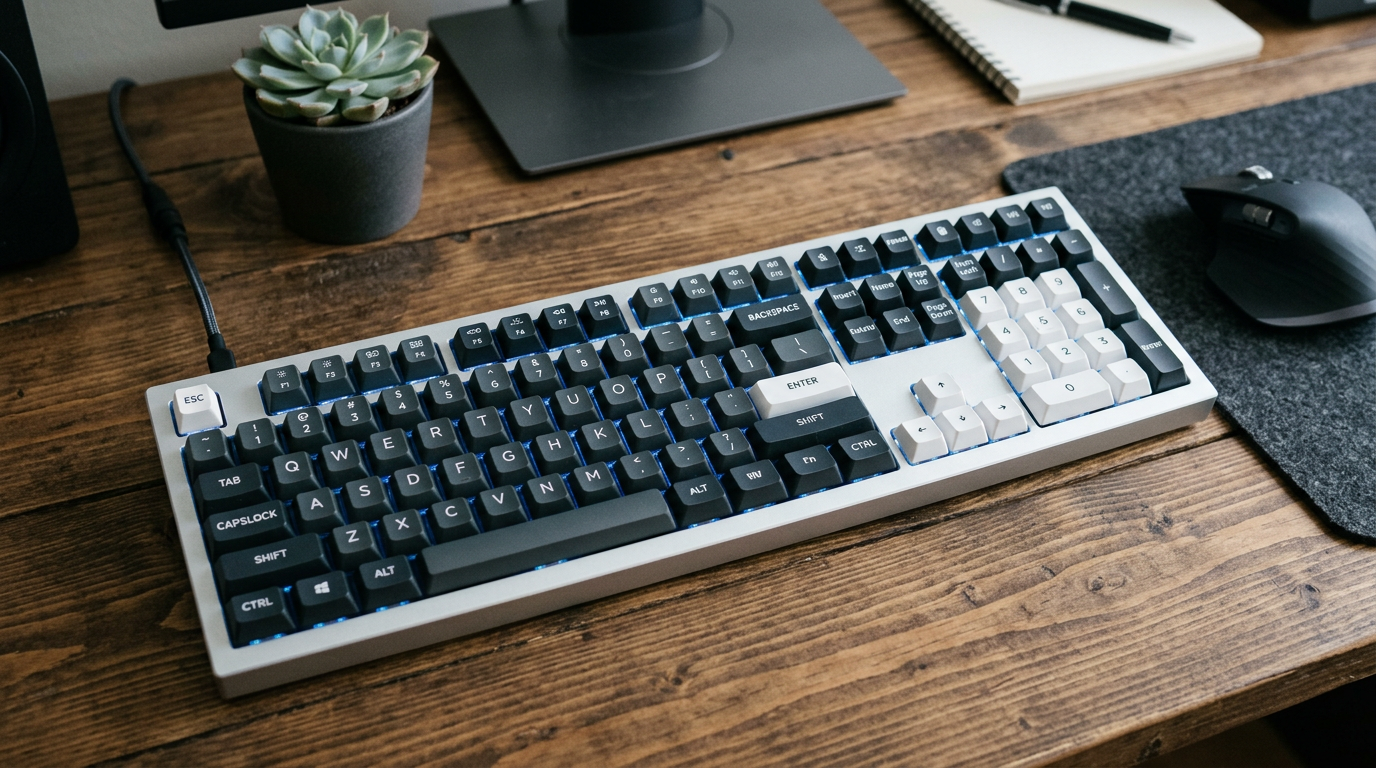
                    <p>One problem I did encounter using KDE Plasma was that in certain applications the Numpad Delete key was not behaving correctly - in fact, it did not work at all.</p>

                ]]>
            </summary>
        <content type="html">
            <![CDATA[
                    <p><img src="https://foss-journey.reiser.space/media/posts/2/Firefly_an-english-keyboard-with-a-cursor-block-and-a-numeric-block-in-16-9-format-21898.png" class="type:primaryImage" alt="" /></p>
                <p>One problem I did encounter using KDE Plasma was that in certain applications the Numpad Delete key was not behaving correctly - in fact, it did not work at all.</p>

<p class="msg msg--info">Depending on how you use your Numpad keyboard, you may never encounter this problem. Back in the early days of Personal Computers (think 1980s), keyboards had no separate cursor block, only a Numpad. I got used to use my Numpad as cursor block and for the most part ignore the separate cursor block when typing. My wife hates me because I always disable Num Lock on her keyboard whenever I use it.</p>
<p>The funny thing was that the Delete key did work in some applications, but not in others. At first, I thought it might be an X or Wayland issue, but it affected both environments. </p>
<p>I spent hours with the KDE keyboard settings, but nothing did help. After a lot of research I was able to identify the root cause: There is an open bug in Chromium (not sure if this is a Linux only issue or not) since July 2025:</p>
<ul>
<li><a href="https://issues.chromium.org/issues/429730008" target="_blank"  class="extlink extlink-icon-1"  rel="nofollow noopener noreferrer">https://issues.chromium.org/issues/429730008</a></li>
</ul>
<p>Since Chromium is used in so many applications (e.g. Chrome, Brave, VS Code, ...), from the outside it looked like a bug in the system. Fact is, this bug is still present in any Chrome based application today.</p>
<p class="msg msg--success">Update: It looks like after a year, the issue has now been fixed and will be released with Chromium version 152.0.7923.0. If you are not willing to wait, here is how I fixed it on my system:</p>
<h2>The solution</h2>
<p>The solution was to install a low-level keyboard remapping tool: <a href="https://github.com/rvaiya/keyd" target="_blank"  class="extlink extlink-icon-1"  rel="nofollow noopener noreferrer">keyd</a>. This tool is available in the CachyOS extra repo.</p>
<p>After installation, but before you enable it, edit/create a configuration file:</p>
<p>Edit <code>/etc/keyd/default.conf</code> to include the following:</p>
<pre class="language-ini"><code>[ids]
*

[main]
kpdot = delete</code></pre>
<p>Finally, enable and start keyd; <code>sudo systemctl enable --now keyd</code></p>
<p>keyd is a very powerful tool which <a href="sudo systemctl enable --now keyd" target="_blank" rel="nofollow noopener noreferrer">can do a lot more</a>, but this is beyond the scope of this post.</p>
            ]]>
        </content>
    </entry>
    <entry>
        <title>How it all started</title>
        <author>
            <name>Robert Reiser</name>
        </author>
        <link href="https://foss-journey.reiser.space/1-how-it-all-started.html"/>
        <id>https://foss-journey.reiser.space/1-how-it-all-started.html</id>

        <updated>2026-06-30T19:42:47+02:00</updated>
            <summary type="html">
                <![CDATA[
                    Welcome to my blog "My FOSS Journey". 
                ]]>
            </summary>
        <content type="html">
            <![CDATA[
                <p>Welcome to my blog "My FOSS Journey". </p>
            ]]>
        </content>
    </entry>
</feed>